
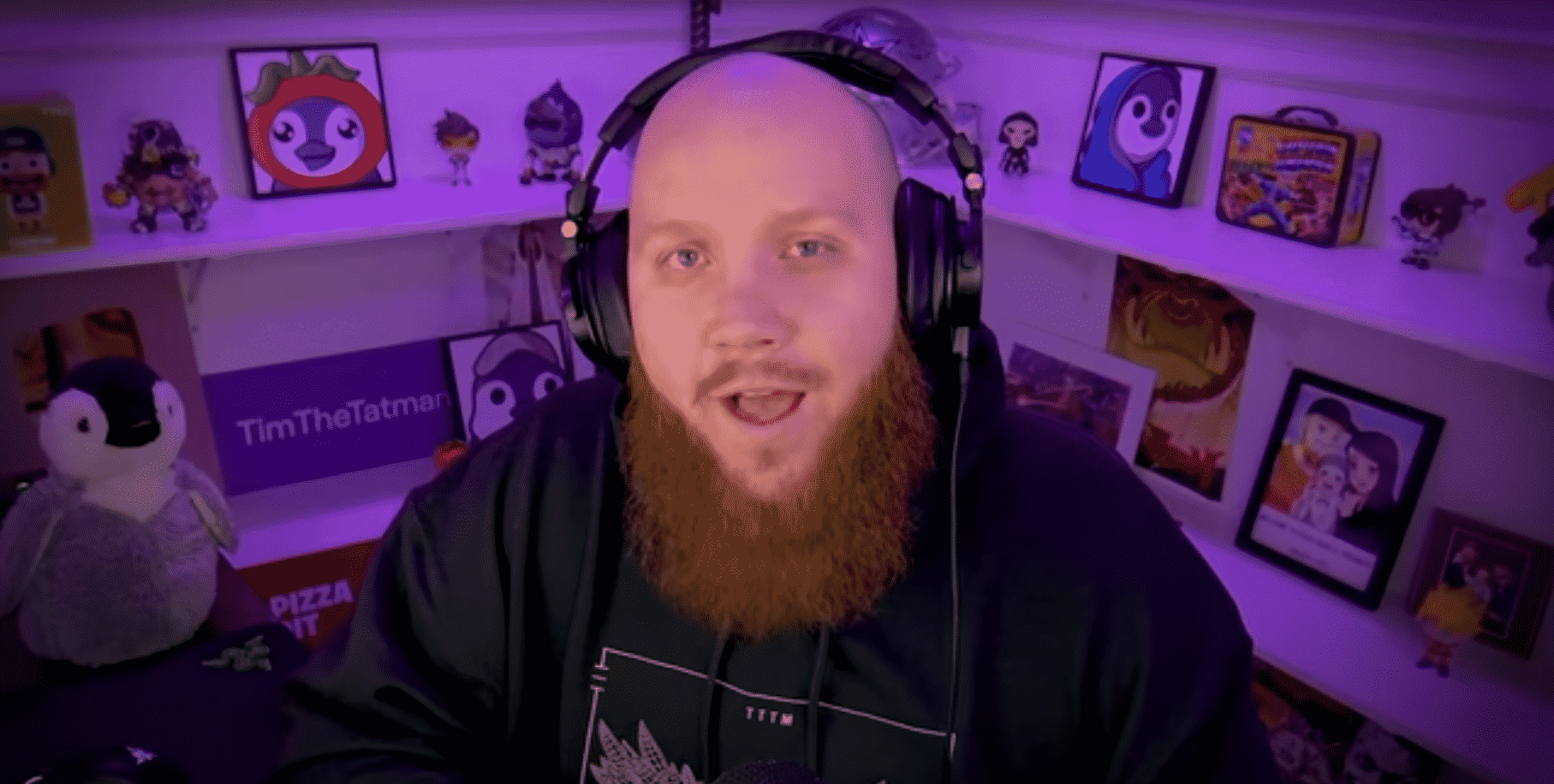
This post will cover the professional streamer TimTheTatman’s setup, including his streaming gear and PC information.
TimTheTatman’s PC Setup and Gear
Here is a list of TimTheTatman’s gaming PC setup and Gear:
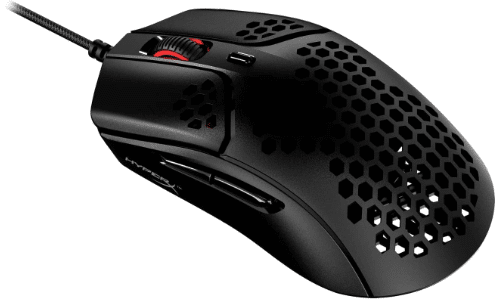
TimTheTatman’s Mouse – HyperX Pulsefire Haste
TimtheTatman uses the HyperX Pulsefire mouse in his gaming setup. The honeycomb shell design makes this mouse both ultra-light and very durable. With TTC Golden micro dustproof switches rated for up to 30 million clicks and optionally included grip tape for extra control and comfort, the HyperX Pulsefire is an excellent addition to your PC.
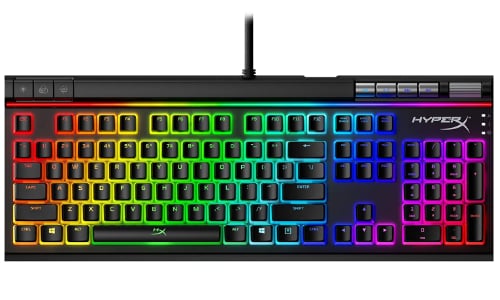
TimTheTatman’s Keyboard – HyperX Alloy Elite 2
TimtheTatman’s keyboard is the HyperX Alloy Elite 2. This mechanical keyboard offers incredibly reliable key switches, balancing both high response and accuracy when playing demanding games.
With a solid steel frame for amazing durability, the HyperX Alloy Elite 2 was built to last. Also offering customizable RGB lights and easy access to dedicated media controls.
- HyperX mechanical switches that provide a short actuation distance.
- The HyperX Pudding keycaps boast an exposed LED, which results in brighter RGB lighting.
- Customizable RGB lighting effects through HyperX NGENUITY.
- Dedicated media keys, including a volume wheel.
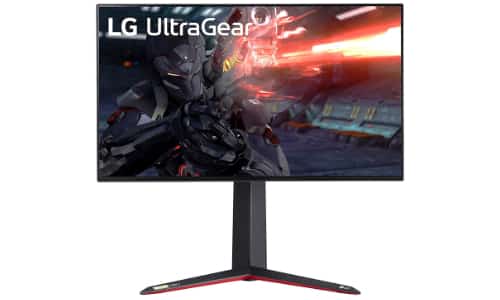
TimTheTatman’s Monitor – LG 27GN950-B
Tim the Tatman uses the LG-27GN950-B Ultragear gaming monitor. This is one of the market’s most affordable 4K IPS monitors. The virtually borderless display offers smooth playback, and with a 144Hz refresh rate and 1 ms response time, your gameplay will be lightning fast.
Included in this package, you’re also getting Variable Refresh Rate support. This means that if you’re not getting over 144FPS to cap that 144Hz refresh, it will dynamically change the monitor’s refresh rate to match your framerate. This all comes down to a tear-free experience; there will be no image separation due to a mismatch, and your gameplay will look extra smooth at all framerates.
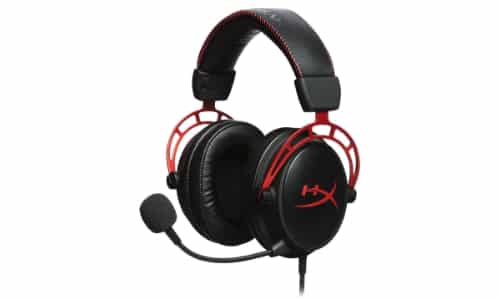
TimTheTatman’s Headset – HyperX Cloud Alpha
- High quality
- Comfortable
- Lows are sometimes muddled
TimTheTatman uses the HyperX Cloud Alpha headset while they stream. With 300 hours of battery life, extreme comfort memory foam, and noise-canceling for ultimate immersion, you won’t find a better headset. The built-in mic and comfortable design will keep you chatting and gaming for hours.
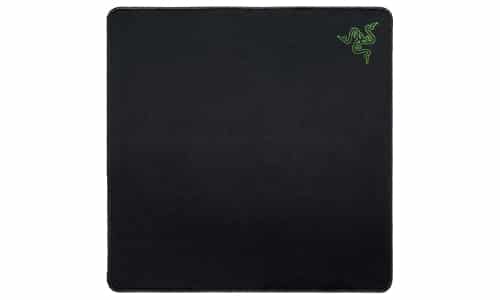
TimTheTatman’s Mouse Pad – Razer Gigantus
TimTheTatman uses the Razer Gigantus for his mouse pad. This cloth mousepad provides a smooth surface with enough space that you don’t have to reposition yourself throughout your game.
It is optimized for responsive tracking and increasing your accuracy, allowing you to land more damage when it counts. The texture ensures that all movements are consistent so that you can learn the correct amount of pressure needed for each play.
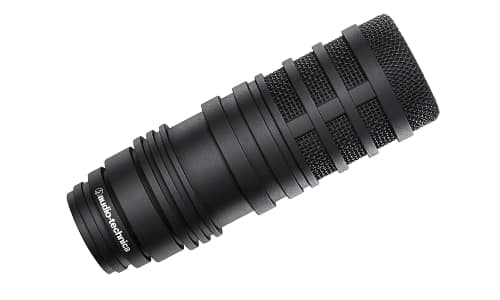
TimTheTatman’s Microphone – Audio-Technica BP40
TimTheTatman uses the Audio-Technica BP40 for his microphone. This dynamic USB microphone is designed to give a condenser-like sound that sounds clear and rich.
It is created with a patented floating edge which was designed to maximize the diaphragm surface and offer mechanical shock insolation. It is very good about eliminating background noise so that your friends or audience get a crisp, professional sound.
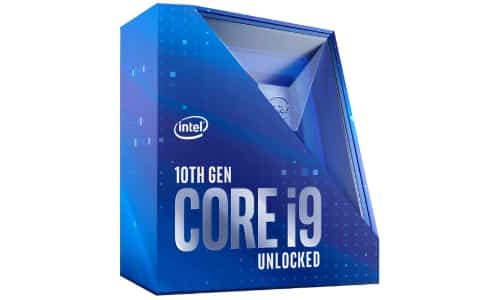
TimTheTatman’s CPU – Intel Core i9-10900K
Tim the Tatman’s CPU is the Intel Core i9-10900K. This is one of the fastest gaming processors on the market. Offering 10 cores and 20 threads, you can take your gameplay to the next level. Works in Intel 400 series chipset motherboards.
It also comes with the following:
- Intel optane memory support
- Intel Turbo Boost Max technology
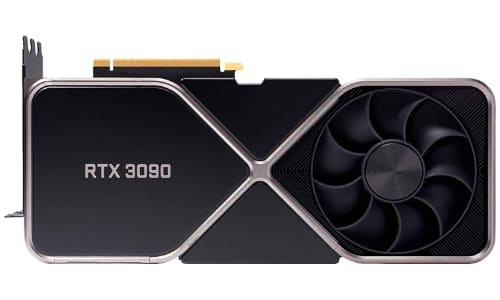
TimTheTatman’s GPU – NVIDIA GeForce RTX 3090 Founders Edition
TimtheTatman has the NVIDIA GeForce RTX 3090 Founders Edition graphics card on his PC. This incredibly powerful GPU is one of the most powerful graphics cards on the market. 8k gaming playback, incredible 3D rendering, and 24GB of VRAM. The founders’ edition offers out-of-the-box factory overclock for immediate performance.
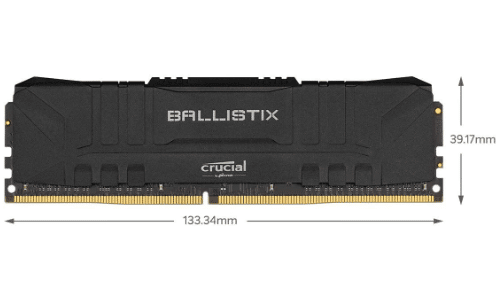
TimTheTatman’s RAM – Crucial Ballistix RGB 3200 64GB
Tim the Tatman has 64GB of Crucial Ballistix RGB 3200 RAM in his PC. This RAM is perfect for gaming and pushing your computer’s performance to the max.
Offering great heat distribution with its modern aluminum heat spreader, this RAM also comes in a variety of colors to match your setup.
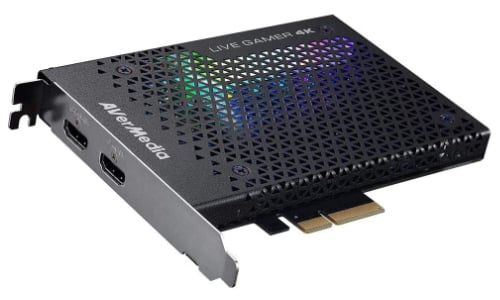
TimTheTatman’s Capture Card – AVerMedia Live Gamer 4K
TimTheTatman uses the AVerMedia Live Gamer 4K for his capture card. This capture card can capture high-quality content at a high framerate (240 Hz). This allows you to stream crisp and smooth videos to your viewers without issues.
The PCI-Express was designed to be low-latency, so you don’t experience lag. Those with clear cases will be happy to know that you can customize the RGB lighting.
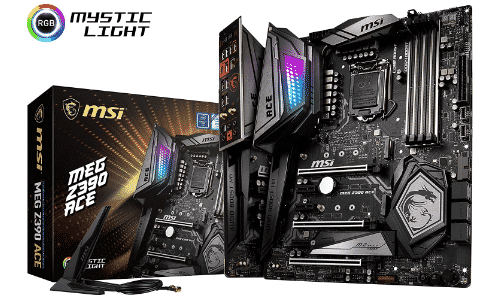
TimTheTatman’s Motherboard – MSI MEG Z390
TimTheTatman uses the MSI MEG Z390 as his motherboard. This motherboard was specifically designed for gamers who like to take their hobby to the next level.
It supports many of the 8th and 9th generation of Intel Core processors for the LGA 1151 socket. Its Triple Turbo M.2 technology helps prevent thermal throttling, keeping everything relatively cool and secure.
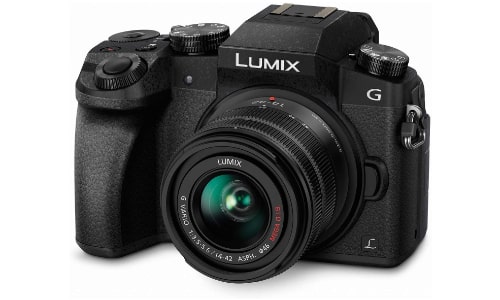
TimTheTatman’s Camera – Panasonic Lumix G7 DSLR
TimTheTatman uses the Panasonic Lumix G7 DSLR camera. The Lumix ensures you will get high-quality video to broadcast to your viewers, even in lower lights. It will record in 4K and has integrated Wi-Fi, making it easy to send the images to your streaming software.
You will need an HDML adapter converter for it to work properly with your stream.
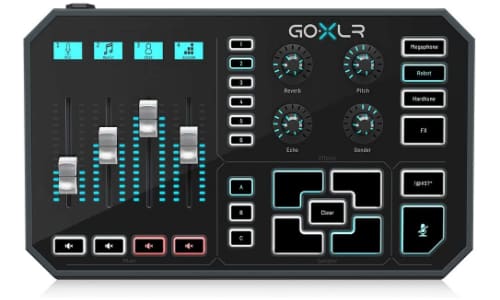
TimTheTatman’s Mixer – GoXLR
TimTheTatman uses the GoXLR for his mixer. The GoXLR is a multi-channel mixer that allows you to easily control the sound of your stream’s audio. More than a mixer, the GoXLR was created with streamers in mind.
It allows you to record samples you can use to entertain your viewers. The mixer also allows you to distort your voice or add effects that keep your audience laughing.
Other Streamer’s Equipment and Gear
Now that you know what TimTheTatman uses, you can look at the equipment of other popular streamers. Whether you want to upgrade your gaming PC or you want to start your own streaming career, knowing the best equipment is a great choice.

Chris
Chris is a marketing major with a strong background in small business and influencer branding. He applies his knowledge of content and promotional strategies to design actionable advice for new and intermediate streamers. When he’s not busy crunching analytics, he can be found in the salt pits of League of Legends.